Most receipt scanners assume one currency — the one of the country they were built in. That’s fine for households that never cross a border. The moment a shop happens in another country, or a household has a regular non-local grocery (a Polish deli in Berlin, an Estonian ferry shop from Helsinki), single-currency apps stop working in obvious or subtle ways.
Photograph a receipt anywhere — Tesco, ICA, Lidl, Albert Heijn, Carrefour, Whole Foods — and AI picks the currency, prices, products and expiry dates for you. Native currency preserved on the fridge list; statistics convert to your home currency.
Download on the App Store Get it on Google PlayFree for a month · No sign-up · iOS and Android
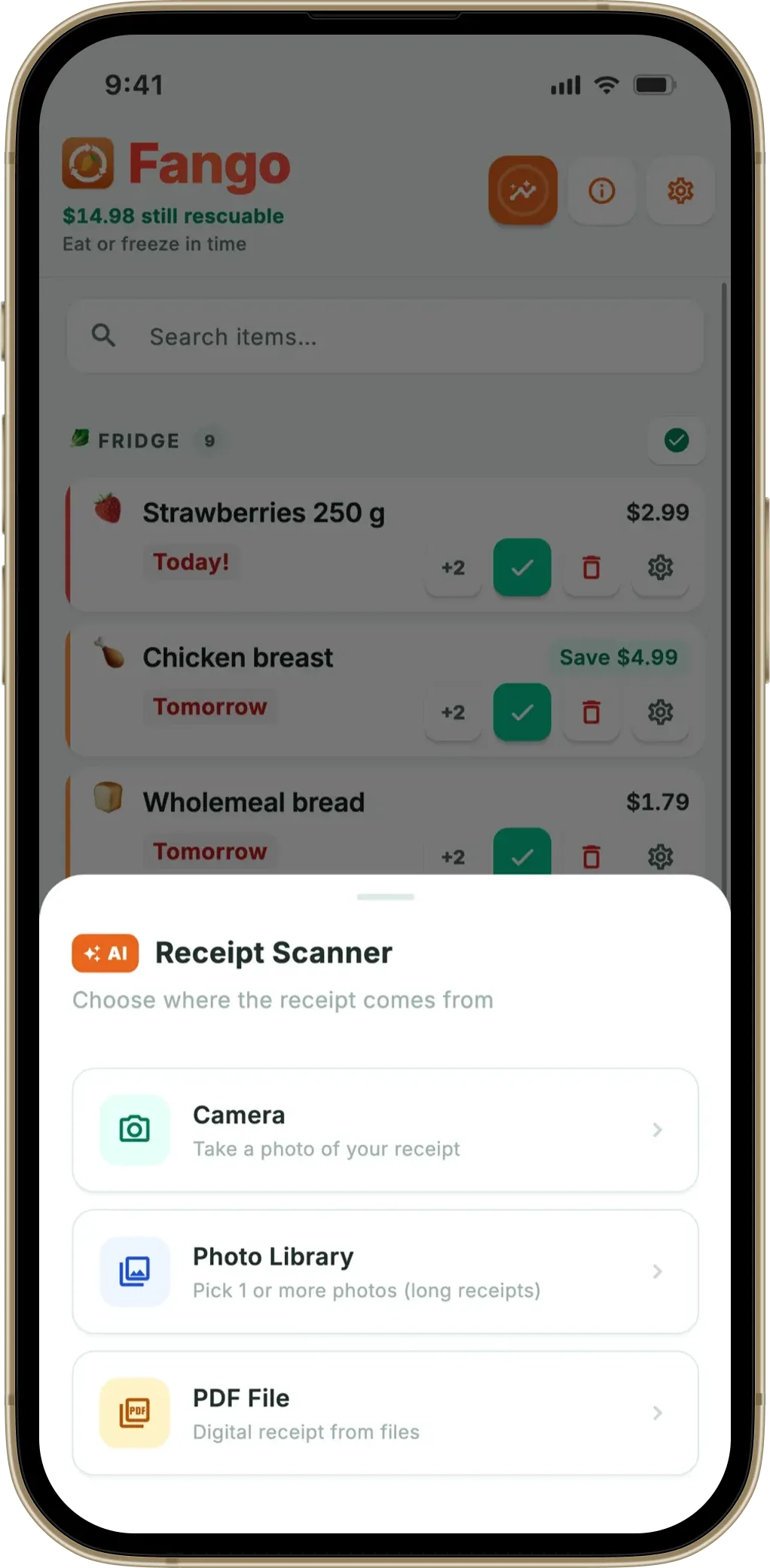
A multi-currency receipt scanner solves this by detecting the currency from the receipt itself, not from a setting. This article walks through how the auto-detection works, which currencies it covers, and where the limits are. Fango reads dozens of currencies across more than 60 countries this way, and you never pick one before scanning.
- Dozens of currencies read from receipts — EUR, GBP, SEK, NOK, DKK, USD, PLN, ISK and more across more than 60 countries; 22 home currencies for statistics
- Auto-detected from receipt clues — language, tax code, currency symbol, number format
- Special cases handled — Icelandic krona has no decimals, Hungarian forint has no decimals
- Native currency preserved in statistics — no opaque conversion
- Best for travelling households, multi-currency families, ferry/border shoppers
Why single-currency apps fail at the border
Single-currency receipt scanners fail in three ways the moment a foreign receipt is scanned:
The feature that matters most in any of these apps is the reminder — see what a good expiry date tracker app does differently.
- Prices get misread as the home currency. A 119,50 NOK item gets stored as £119.50 — a tenfold overstatement that breaks any spend tracking.
- Tax codes get misinterpreted. Swedish VAT bands (12%, 25%) collide with UK ones (5%, 20%), and a UK-only scanner can flag every Swedish line as “discount” or “non-food”.
- Number formats break. 12,95 (comma decimal) reads as 1295 (whole pence) if the app assumes UK formatting.
The “fix” — flipping a global setting before each foreign shop — works in theory and never works in practice. Within two weeks the setting gets forgotten, and one wrong-currency scan corrupts a month of stats.
What the AI actually uses to detect currency
Auto-detection isn’t magic; it’s a chain of small clues that, together, identify the currency with high confidence. Anthropic Claude looks at all of them simultaneously when Fango sends the receipt text or image:
- Currency symbol. “£”, “€”, “kr”, “zł”, “Kč” — strong signal where present.
- Country and shop name. “TESCO” → UK → GBP. “ICA Maxi” → Sweden → SEK. “Lidl” without country context defaults to receipt language.
- Language. Swedish vs Norwegian vs Danish all use “kr”, but the receipt language tells SEK from NOK from DKK.
- VAT / tax codes. “MOMS” → Sweden/Norway/Denmark. “VAT” → UK. “MwSt.” → Germany. “BTW” → Netherlands.
- Number formatting. Dot vs comma as decimal separator. Whether thousands are dot-grouped, comma-grouped or space-grouped.
- Receipt structure. The position of the total, the way discount lines are flagged, the tax breakdown at the bottom — these are surprisingly country-specific.
A receipt where most of these signals agree — Swedish language, “kr”, “MOMS 25%”, comma decimals, “ICA Maxi” — is detected as SEK with no ambiguity. The hard cases are scarce: hand-written market stalls with no symbols, or a “Lidl” receipt that could be ten different countries.
Currencies and country coverage
Fango’s auto-detection covers dozens of currencies across more than 60 countries. The table shows the most common ones in Europe, North America and Australia:
| Currency | Code | Countries | Notable handling |
|---|---|---|---|
| Euro | EUR | FI, DE, NL, EE, LT, LV, FR, IT, ES, AT, BE, PT, HR, SK, SI, IE, GR, CY, MT, LU, BG | Comma decimal in most; dot in IE |
| Pound sterling | GBP | UK | £ symbol; dot decimal |
| Swedish krona | SEK | SE | “kr”, MOMS 25% |
| Norwegian krone | NOK | NO | “kr”, MVA |
| Danish krone | DKK | DK | “kr”, MOMS |
| Icelandic krona | ISK | IS | No decimals; dots are thousands separators |
| Polish złoty | PLN | PL | “zł”, PTU (A=23%/B=8%/C=5%) |
| Czech koruna | CZK | CZ | “Kč”, DPH |
| Hungarian forint | HUF | HU | “Ft”; no decimals |
| Swiss franc | CHF | CH | Dot decimal; multilingual receipts |
| US dollar / CAD / AUD | USD / CAD / AUD | US, CA, AU | “$”, dot decimal |
| Romanian leu, Bulgarian lev, Turkish lira | RON, BGN, TRY | RO, BG, TR | Same auto-detection pipeline |
← scroll →
The two non-decimal currencies — ISK and HUF — used to be a common bug for cross-border scanners. A line reading “1.299 ISK” looks like a thousand-with-decimals to a UK-formatting parser, which would store it as 1.30 kr instead of 1299. Fango’s prompt explicitly handles this case: in ISK and HUF, dots are thousands separators, not decimals.
The four households this matters for
Auto-currency detection looks like a niche feature until you list the households that actually need it:
- Cross-border commuters. Anyone living in southern Sweden and shopping in Copenhagen on weekends, or a Geneva household crossing into French Carrefour.
- Travelling families. The two-week Spanish holiday, the long weekend in Berlin, the bigger items bought at a Mediterranean supermarket. Each receipt scanned without changing a setting.
- Online grocery across borders. A Helsinki household ordering from Tallinn for the ferry pickup, or a UK expat ordering an annual food parcel from Iceland. The PDFs come back in EUR or ISK; the local app stays in GBP.
- Multi-currency households. A Berlin household with monthly shops at a Polish deli paying in złoty, or any London household with both a UK supermarket and a Polish grocer on the weekly rota.
For everyone else, the feature is invisible — it works the first time abroad and stops being a thought.
What happens with the prices afterwards
Each scanned receipt is stored in its native currency. A Stockholm shop stays as SEK, a London shop as GBP, an Athens shop as EUR — the line prices always match the paper you were handed. Statistics are a separate layer: you pick a home currency in settings, and totals are converted into it using exchange rates refreshed daily, so a Swedish week and a British week land in one comparable number.
The trade-off is the one every conversion carries: a rate is a snapshot. Fango refreshes rates daily and converts at the point the total is shown, so a figure can shift slightly as the market moves. The original receipt value never changes, which is why the per-item price stays in the currency you paid in and only the summed statistics are converted.
Edge cases the auto-detection handles
Three real cases worth flagging:
- “kr” alone is ambiguous. Used in Sweden, Norway and Denmark. Fango leans on the receipt language (Norwegian “Helmelk” vs Swedish “Mjölk” vs Danish “Sødmælk”) and tax label (“MOMS” SE/DK vs “MVA” NO) to pick the right one.
- “$” alone is ambiguous. US, Canada, Australia all use “$”. The receipt header (e.g. “Whole Foods Market — US” vs “Coles — Australia”) usually disambiguates; the language is usually English in all three.
- Bilingual receipts. Switzerland, Belgium, Luxembourg often print receipts in two languages. Fango’s prompt explicitly handles bilingual lines (“NOM PRODUIT / PRODUCTNAAM”) and uses the tax codes to fix the country.
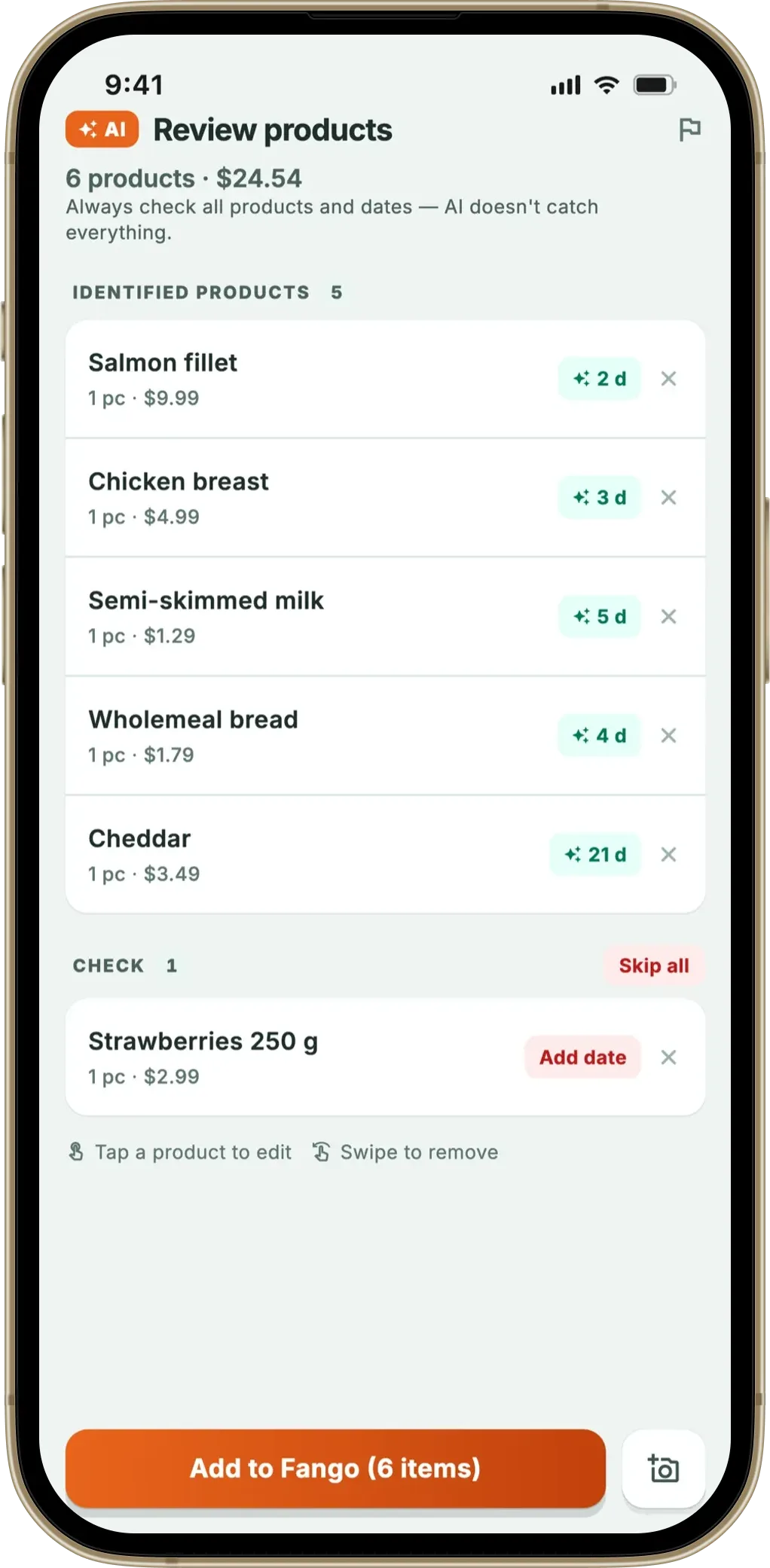
These three cases together cover most “what currency is this actually” questions a multi-currency household runs into. The review screen is there for the remainder — every line’s price can be corrected with a tap before it goes on the list.
Photograph a receipt anywhere — Tesco, ICA, Lidl, Albert Heijn, Carrefour, Whole Foods — and AI picks the currency, prices, products and expiry dates for you. Native currency preserved on the fridge list; statistics convert to your home currency.
Download on the App Store Get it on Google PlayFree for a month · No sign-up · iOS and Android
Privacy note on multi-currency receipts
A foreign receipt sometimes contains more identifying data than a domestic one — passport-linked tax-free claims, hotel guest reference, airline frequent-flyer numbers stamped on shop receipts. Fango’s privacy model doesn’t change with currency: receipts go to AI once, get parsed, and aren’t stored. No account, no per-user purchase history, no cross-border accumulation of where you shopped.
This matters more for travellers than for domestic shoppers. A six-month trip across five countries leaves no cloud trail in Fango — unless you share a household, the fridge list and per-receipt records live only on the phone, and the device’s standard backup rules apply.
Summary
A multi-currency receipt scanner detects the currency from the receipt itself — language, symbol, tax code, number format — so the user never picks one. Fango covers dozens of receipt currencies across more than 60 countries this way, with special handling for non-decimal ISK and HUF and for ambiguous “kr”/“$” cases. Each receipt then stays in its native currency for the line prices, while the statistics view converts the totals into the home currency you choose, using daily exchange rates.
Related reading: grocery receipt scanner app overview, which stores does a receipt scanner support, PDF receipt scanner app, food waste tracker comparison.
Frequently Asked Questions
How does a receipt scanner auto-detect the currency?
It reads the structural clues on the receipt — the country, language, tax codes, currency symbol and number formatting — and picks the matching currency. A receipt in Swedish with “kr”, “25%” VAT and dot-comma number formatting (12,95 kr) is SEK. A British receipt with “£”, “20% VAT” and “TESCO” branding is GBP. Fango handles dozens of receipt currencies this way without asking you to pick one up front.
Which currencies does the receipt scanner support?
Fango reads dozens of currencies from receipts across more than 60 countries, including EUR (21 countries), GBP, SEK, NOK, DKK, ISK, PLN, CZK, HUF, RON, BGN, TRY, CHF, USD, CAD and AUD. Special handling is built in for Icelandic krona (no decimals, dots as thousands separators), Hungarian forint (no decimals) and regional variants like Swiss franc with dot-as-decimal. For statistics you can pick one of 22 home currencies, including NZD and JPY.
Do I have to pick the currency before scanning a receipt?
No. Fango detects the currency from the receipt automatically — you just take the photo. There is a default-country setting, seeded from your phone’s region, that tells the AI which country’s receipt rules to try first; other countries are still detected automatically. If a receipt looks like it comes from a different country, the review screen offers a one-tap switch, and every line’s price can be corrected there before it goes on the list.
Are prices converted to one home currency for statistics?
Each receipt is stored in its native currency — a Stockholm shop stays as SEK, a London shop as GBP — so the line prices always match the paper. Statistics then convert everything into the home currency you pick in settings, using daily exchange-rate data, so a Stockholm week and a London week roll into one comparable total.
Is a multi-currency receipt scanner useful for someone who doesn’t travel?
Yes, if you live in a multi-currency household — a UK family with a Polish parent doing a regular shop at a Polish deli, or a Helsinki household that scans the occasional Tallinn ferry shop. The auto-detection means you don’t have to context-switch between two apps or remember to flip a setting. For genuine single-country households, multi-currency support is invisible — it just works the first time abroad.
