Here’s a small thing that turns out to be a big thing. A reminder pops up: “Chicken expires in 2 days.” You’re cooking it tonight, so you’d like to tick it off. In most food apps, that means unlocking the phone, opening the app, scrolling to the item, and tapping through a menu. Four steps for a one-bit fact. So you don’t — you swipe the reminder away, and now the app thinks you still have chicken you’ve already eaten. Do that a few times and the list no longer matches the fridge, and you stop trusting it.
Every Fango expiry reminder carries ✓ Eaten, Waste and +2 d. One tap from the lock screen and the fridge list stays accurate — so the next reminder is one you can trust. Scan the receipt, the rest takes care of itself.
Download on the App Store Get it on Google PlayFree for a month · No sign-up · iOS and Android

Notification action buttons fix exactly this. They put the response on the reminder itself, so the answer is a single tap from the lock screen. Fango carries three of them on every expiry reminder, and they’re a bigger part of why the tracking stays accurate than the reminder text is.
- Three buttons on the reminder — ✓ Eaten, Waste, and +2 d
- One tap from the lock screen — no opening the app, no menus
- Keeps the list honest — the gap between seeing and acting is where habits break
- Waste is recorded, not hidden — the running total is the feedback that changes habits
- Works on iOS and Android
The three buttons, and what each is for
When an expiry reminder fires, it carries three actions:
The feature that matters most in any of these apps is the reminder — see what a good expiry date tracker app does differently.
- ✓ Eaten. The item got used. Tap it and the item leaves your list and lands in your stats as eaten — the outcome you want, recorded with no effort.
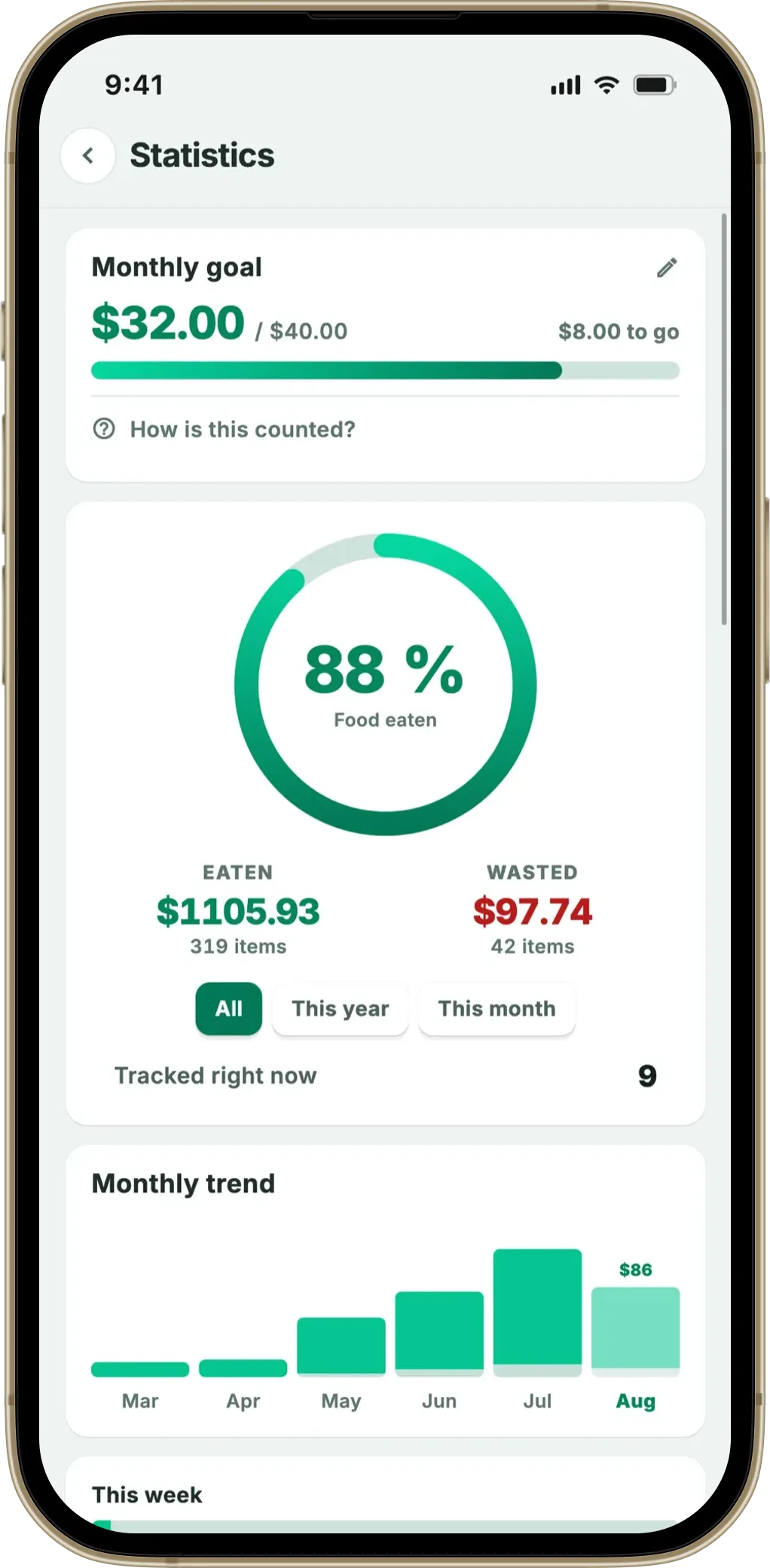
- Waste. It didn’t make it. Marking it Waste removes it from the fridge but logs it as thrown out, with its value, so your waste figure stays truthful. This is the button that does the long-term work (more on that below).
- +2 d. It’s still fine — the estimate was conservative, or you bought it later than the receipt date. Pushing the date out two days keeps the item tracked and schedules a fresh nudge, instead of you dismissing the reminder and forgetting it exists.
Each one resolves the reminder in place. The app updates in the background; the notification clears; you never left the lock screen.
Why one tap matters more than it sounds
The whole value of a food tracker rests on the list staying in sync with the actual fridge. The moment the two drift apart, the reminders start crying wolf and the user disengages. The drift almost always happens at one specific point: the gap between seeing the reminder and acting on it.
If acting is frictionless — one tap, where you already are — the list stays current. If acting requires a context switch into the app, it gets deferred, and deferred maintenance is the thing people never come back to. Action buttons aren’t a convenience feature bolted on the side; they’re the mechanism that keeps the underlying data trustworthy. An app can have perfect expiry estimates and perfect timing and still fail if responding to the reminder is a chore.
Why “Waste” is a button at all
It would be simpler to just let people delete items they’ve thrown out. Fango deliberately makes Waste a distinct, recorded action instead, for one reason: the waste figure is the feedback loop that changes behaviour.
When the app quietly forgets the things you binned, you never see the pattern — the bag of salad every fortnight, the bread you always over-buy. When it keeps a running total of what’s been wasted and what it cost, that number becomes uncomfortable in a useful way, and the next shop adjusts. Recording waste honestly is how the app earns its keep over months. Deleting hides the very signal you’d want to act on. (For the bigger picture on why visibility drives behaviour, see how push notifications reduce food waste.)
How it fits the rest of the reminder system
The buttons work because the reminder behind them is well-timed. Fango fires reminders at the lead times you choose — same-day, 1, 2, 3, 5, 7 or 14 days ahead — and groups items that come due the same day into a single notification rather than a stack. So a typical reminder isn’t “one buzz per item”; it’s a tidy nudge with the actions attached, and you clear it in seconds. (The timing logic is covered in how the reminder timing works.)
It also closes the loop back to the input side: the less effort it takes to respond, the more the data reflects reality, and the better the estimates and reminders get at matching your actual habits over time.
iOS and Android
The actions appear on both platforms. On iOS they show when you expand or press-and-hold the notification; on Android they sit directly under the reminder text. In both cases the tap updates the app in the background without bringing it to the foreground — the point is that you never have to leave what you were doing.
Summary
Notification action buttons look like a minor detail and behave like a load-bearing one. By letting you mark an item Eaten, Waste, or +2 d straight from the reminder, they remove the single most common point where a food-tracking habit breaks — the gap between seeing a reminder and acting on it. The Waste button does double duty as the feedback loop that nudges better shopping. One tap, no app launch, on iOS and Android.
Related reading: how reminder timing works, how push notifications reduce food waste, best food expiration reminder app, food expiry reminder app overview, best app for forgetful people.
Every Fango expiry reminder carries ✓ Eaten, Waste and +2 d. One tap from the lock screen and the fridge list stays accurate — so the next reminder is one you can trust. Scan the receipt, the rest takes care of itself.
Download on the App Store Get it on Google PlayFree for a month · No sign-up · iOS and Android
Frequently Asked Questions
What are notification action buttons in a food app?
They’re the small buttons that appear on the reminder itself — on the lock screen or in the notification shade — so you can respond without opening the app. In Fango, an expiry reminder carries three: mark the item Eaten, mark it Waste (so your stats stay accurate), or +2 d to push the date out a couple of days. One tap, the app updates in the background, the notification clears.
Why do action buttons on notifications matter?
Because the gap between “see the reminder” and “act on it” is where the habit breaks. If acting means unlocking the phone, opening the app, finding the item and tapping through, most people put it off and the list drifts out of sync with the real fridge. Action buttons collapse that into a single tap from where you already are, which is what keeps the data honest week after week.
What does the +2 days button do?
It pushes the item’s expiry date out by two days. It’s there for the common case where the estimate was a little conservative, or you bought the item later than the receipt date, and it’s clearly still good. Rather than dismissing the reminder and forgetting, you extend it and get a fresh nudge in two days — the item stays tracked instead of falling off your radar.
Why mark something as wasted instead of just deleting it?
Because the waste figure is the feedback loop. Marking an item Waste (rather than quietly removing it) keeps your statistics truthful, and seeing the running total of what’s been thrown out — and what it cost — is what actually changes shopping behaviour over time. Deleting hides the problem; recording it is how the app earns its keep.
Do notification action buttons work on both iOS and Android?
Yes. Fango shows the Eaten, Waste and +2 d actions on the reminder on both iOS and Android. On iOS they appear when you press and hold or expand the notification; on Android they sit directly under the reminder text. Either way the tap updates the app without it having to come to the foreground.
