Food tracking apps split into two camps based on how they get your shopping into the app. Receipt-scan apps read your whole grocery receipt in one photo and add every line at once. Barcode-scan apps read one product code at a time and look each item up in a database. Both end with a fridge list and expiry reminders — but the route there changes how much typing you do, what gets captured, and how your data is handled. Fango sits firmly in the receipt camp, and below we explain honestly when that wins and when a barcode app might suit you better.
Fango reads your grocery receipt in one photo, adds every product with an estimated reminder date, and reminds you in time. No barcode scanning, no account, no cloud — your list stays on your phone by default.
Download on the App Store Get it on Google PlayFree for a month · No sign-up · iOS and Android
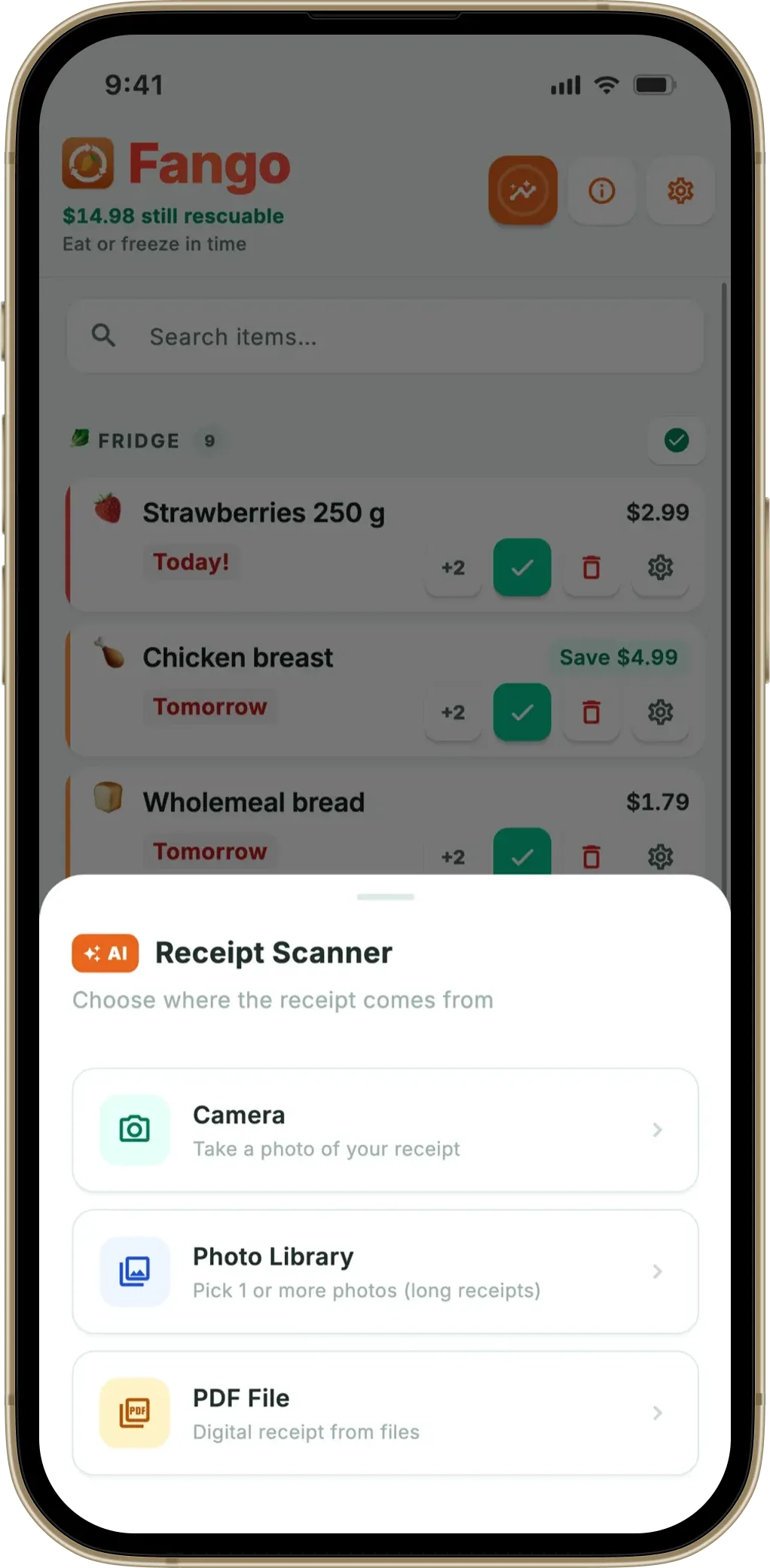
- Receipt scan: one photo adds a whole shop, including loose produce and deli with no barcode. Best for unpacking a full haul fast.
- Barcode scan: precise per-item entry, great for packaged goods you add one at a time — but skips anything without a code.
- Coverage: receipts capture everything you paid for; barcodes only capture what’s in the product database.
- Privacy: depends on the app, not the method — Fango (receipt) keeps data on-device with no account.
How receipt scanning works
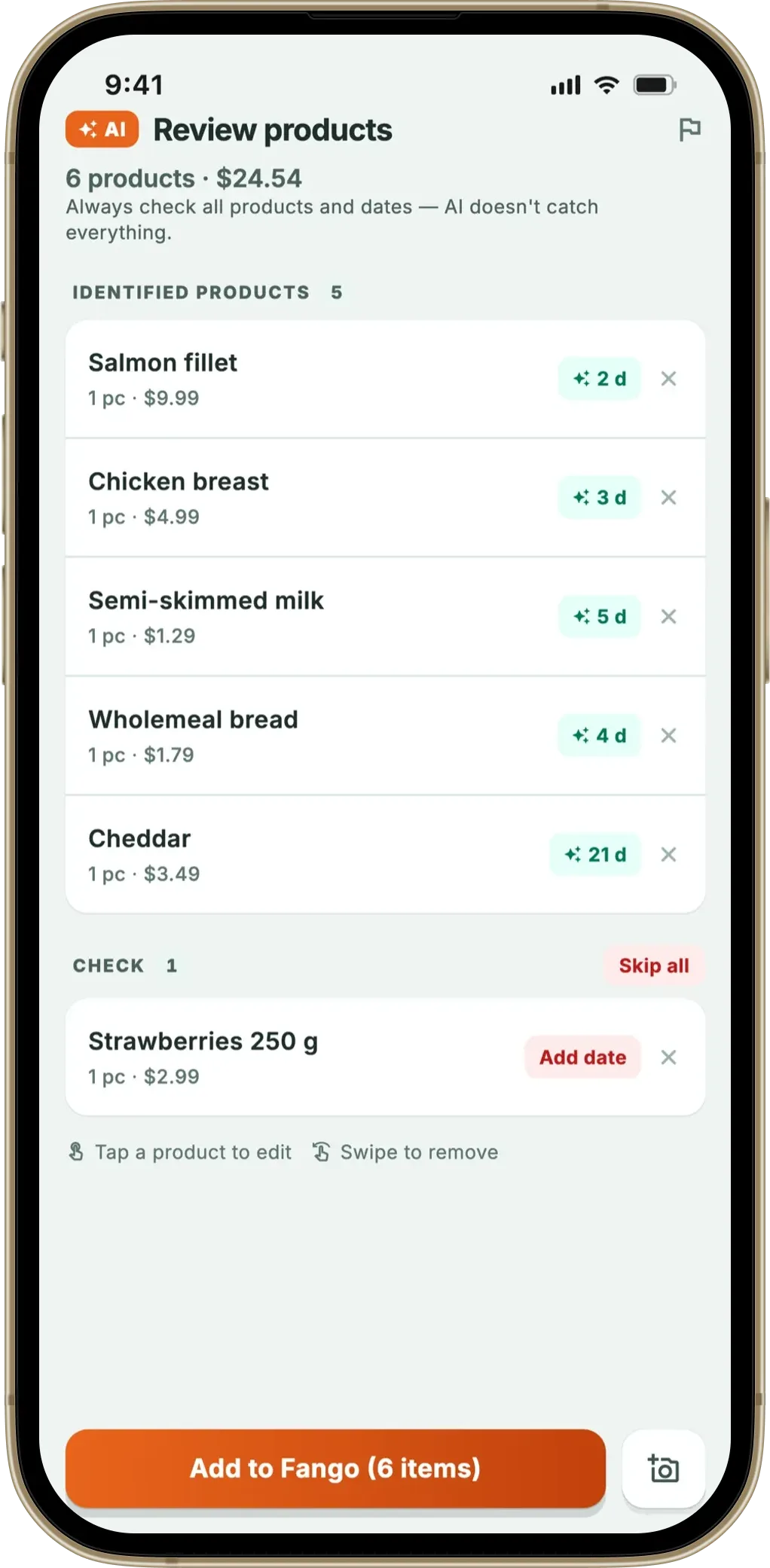
A receipt-scan app turns the paper (or PDF) receipt from your shop into a tracked list. You photograph the receipt, the app reads every priced line — milk, chicken, the loose apples, the bakery roll — identifies each as a product, and estimates an expiry date for it. One photo can add 20 or 30 items in a few seconds, with no typing and no per-item handling.
If you are choosing between apps, our guide to picking an expiry date tracker lists the features that decide whether you are still using it a month later.
The strength is coverage and speed for a full shop: anything you actually paid for shows up on the receipt, whether or not it carries a barcode. The trade-off is that it depends on reading messy printed text well, and you need the receipt in hand. Fango uses AI to handle the variety of real-world receipts — different stores, layouts, discounts and languages. You can see exactly how that pipeline works in our grocery receipt scanner app guide and the AI grocery app explainer.
How barcode scanning works
A barcode-scan app reads the printed barcode on a package and looks the product up in a database to get its name and category. You point your camera at one item, it’s recognised, and you add it — then repeat for the next item. It’s accurate for branded, packaged goods, and adding a single new purchase is quick.
The limits are structural. Loose fruit and vegetables, bakery, deli, butcher and market items usually have no barcode to scan, so they never make it into the list. Anything missing from the product database has to be added by hand. And scanning a whole week’s shop means picking up and scanning every item individually before it goes in the fridge — fine for a few products, slow for a trolley-load. Barcode-first apps like BEEP work this way, which is why they shine for packaged inventories and struggle with fresh food.
Receipt scan vs barcode scan: the trade-offs
Neither method is “better” in the abstract — they optimise for different moments. Receipt scanning is built for the unpacking-the-shop moment; barcode scanning is built for the adding-one-thing moment. Here’s how they compare on what matters most:
| Factor | Receipt scan | Barcode scan |
|---|---|---|
| Speed for a full shop | ✓ One photo | Item by item |
| Captures loose produce / deli | ✓ | ✗ No barcode |
| Adding a single new item | Manual or next scan | ✓ Quick |
| Needs a product database | ✓ No | Yes |
| Works on any store / country | ✓ 60+ countries | Database-dependent |
| Captures the price you paid | ✓ | ✗ |
← scroll →
The coverage gap is the deciding factor for most households. The UNEP Food Waste Index estimates a fifth of the food available to consumers is wasted, and at home much of that is fresh produce that goes off unseen at the back of the fridge. Those are exactly the items a barcode can’t track but a receipt does — which is why a receipt-scan app tends to cover the food most likely to be wasted.
Which approach should you choose?
Match the method to how you actually shop and what you most want to track. The right pick depends less on the technology and more on your routine:
For most people doing a normal weekly shop, receipt scanning does more of the work and captures the fresh food that’s most at risk. If you prefer to log packaged goods individually, a barcode app can suit you — just know it’ll miss the loose items. For the wider field, our best food waste tracker app roundup ranks both kinds, and which stores a receipt scanner supports covers receipt coverage in detail.
Fango reads your grocery receipt in one photo, adds every product with an estimated reminder date, and reminds you in time. No barcode scanning, no account, no cloud — your list stays on your phone by default.
Download on the App Store Get it on Google PlayFree for a month · No sign-up · iOS and Android
A note on privacy — it’s the app, not the method
Both receipt and barcode apps can be private or not — the scanning method doesn’t decide it. What matters is whether the app makes you create an account, whether your list syncs to a company’s cloud, and what leaves your phone. Fango is built privacy-first: there’s no sign-up, nothing syncs to the cloud unless you share a fridge with family, and otherwise the only data that leaves your device is the receipt during a scan, sent once to read the products and then discarded. If privacy is your priority, weigh that alongside the scanning method — our best privacy-first food app guide goes deeper.
There is a second-order difference too. Because receipts record what you bought and when, they leave a purchase history — and that history drives shopping-list suggestions based on how often you actually rebuy something. Scanning a barcode tells the app what an item is, not how fast your household gets through it.
Frequently Asked Questions
What is the difference between a receipt-scan and a barcode-scan food app?
A receipt-scan app reads your whole grocery receipt in one photo and adds every line item at once, including loose produce and deli items that have no barcode. A barcode-scan app reads one product barcode at a time and looks it up in a product database, which works well for packaged goods but skips anything without a scannable code.
Is receipt scanning faster than barcode scanning?
Usually, yes — for a full shop. One receipt photo captures 20 or 30 items in a few seconds, while barcode scanning means handling and scanning each item individually. For adding a single product, barcode scanning can be quicker, but for unpacking a whole grocery haul the receipt is far faster.
Which is better for fresh and loose food?
Receipt scanning. Loose fruit, vegetables, bakery and deli items rarely have a barcode you can scan, but they do appear as priced lines on your receipt. A receipt-scan app like Fango picks them up automatically; a barcode app cannot.
Does Fango use barcodes or receipts?
Fango is receipt-based. You photograph the receipt, AI reads every product and assigns an estimated expiry date, with no barcode scanning and no typing. It works in more than 60 countries and keeps all data on your device by default with no account.
