“No cloud sync by default” sounds like a limitation until you ask what the cloud is actually doing in a food app. For tracking your fridge, the answer is: holding a copy of your grocery history on a company server so it can be shown on a second device you probably don’t use. Fango skips that entirely. It keeps your list on your phone, runs everything on-device, and unless you share a fridge with your household, the only time anything is sent anywhere is when a receipt is scanned.
Scan a receipt, AI adds the products, and Fango reminds you 1–14 days ahead. No account, no cloud sync by default, everything stored on your device. Works offline after the scan.
Download on the App Store Get it on Google PlayFree for a month · No sign-up · iOS and Android

This article explains why a food app with no cloud sync by default is a deliberate design choice rather than a missing feature, what you actually trade for it, and how Fango works fully offline once a scan is done.
- Fridge tracking is a single-device task — it doesn’t need a server, so the cloud mostly adds risk, not value.
- No server = nothing to breach — with no account holding your grocery history, there’s no profile to leak or sell.
- Works offline — after a scan, your list, dates, stats and reminders all run on the phone with no connection.
- The trade-off — no automatic sync between devices by default; a phone backup carries your data to a new device, and family sharing is there if you want one household on several phones.
What “no cloud sync by default” really means
No cloud sync by default means that, unless you turn on household sharing, your data is created and stored on your device and never copied to a remote server. There’s no account, no central database, and no background upload of what’s in your fridge. The app is the storage — the phone in your hand is the only place your list exists.
The feature that matters most in any of these apps is the reminder — see what a good expiry date tracker app does differently.
That’s different from “offline mode,” which usually means a cloud app that caches data locally and re-syncs when it reconnects. A genuinely local-first app like a fridge tracker app never has a cloud copy to re-sync to in the first place. Local-first and privacy-first tend to go together for exactly this reason.
Why no cloud sync by default is a feature, not a gap
No cloud sync by default is a feature because the cloud is the part of a food app that creates the risk. Your grocery list is a detailed record of what you eat, when you shop and how much you spend. Put that on a server and it becomes something that can be breached, subpoenaed, sold or simply lost in someone else’s outage. Keep it on the device and none of those failure modes exist.
There are three concrete wins:
- Privacy by structure. An app with no account can’t leak your account. There’s nothing central to compromise — a stronger guarantee than any “we promise not to sell your data” line.
- Reliability. The app never spins waiting for a server to load your fridge. It opens to your list instantly, even on a flaky connection or a plane.
- No lock-in to a login. You’re not one forgotten password away from being locked out of your own grocery list.
For a task that lives on one phone anyway, that’s a good trade. You can read more about the privacy side in our guide to food waste apps with no registration.
How Fango works without a server by default
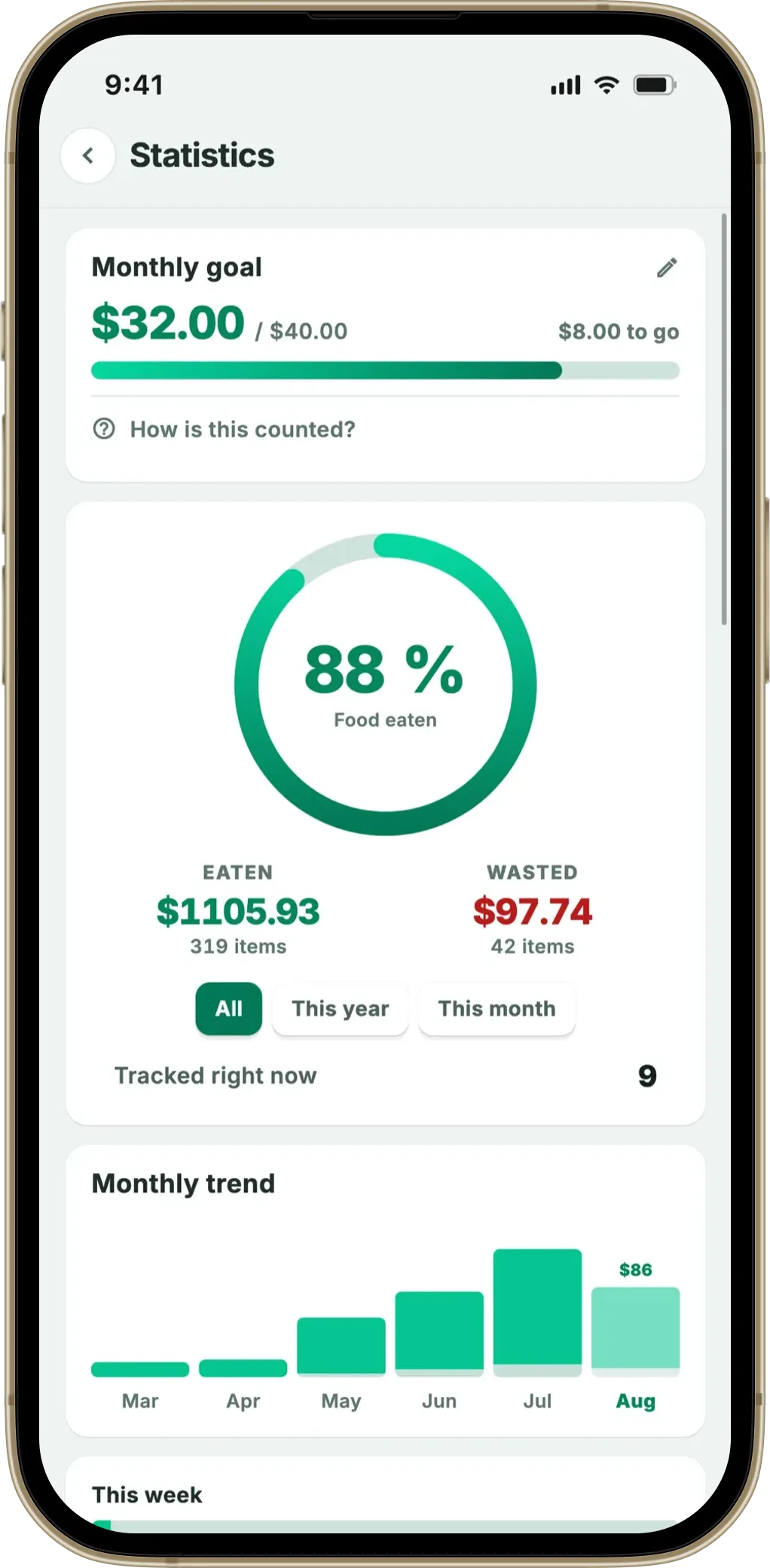
Fango stores your product list, reminder dates and saving statistics on the device. There is no Fango account, so nothing is linked to your identity — and unless you share a fridge with your household, nothing is mirrored to a server either. Two things are exceptions. The receipt scan sends the receipt once and keeps nothing, and family sharing — described below — stores a shared copy, but only for as long as you are in a household and only because you asked to be.
Here’s what stays local versus what’s sent:
| Action | Where it happens | Needs internet? |
|---|---|---|
| Scanning a receipt | Receipt sent once to AI to read products | ✓ Yes |
| Your product list and expiry dates | On device | ✗ No |
| Expiry reminders and notifications | On device | ✗ No |
| Editing, eating or extending items | On device | ✗ No |
| Savings statistics | On device | ✗ No |
← scroll →
So without household sharing, the only networked step is the scan itself — and on iOS even the receipt text is read on the phone first, so only the text leaves the device. Everything after that is local. If you want the detail on how the read works, see the grocery receipt scanner app guide.
The honest trade-off: changing phones
The one thing you give up with no cloud sync by default is automatic cross-device sync. Your list lives on the phone you installed Fango on, and it doesn’t appear on a second device through a login. If you need the same fridge list on two phones, household sharing covers it: an invite code puts the fridge and the lists you choose to share on up to four phones in one home, within seconds and still without an account. What you give up is a personal sync between devices you own alone — a second phone, a tablet, a laptop. If that is what you need, a cloud app will suit you better.
For moving to a new phone, a device-level backup does the job. iCloud backup on iOS and Android’s built-in backup both capture app data, so a normal phone-to-phone transfer carries your Fango list across. It’s a manual, one-time migration rather than a live sync — which, for most people switching phones once every few years, is exactly enough.
It’s worth being clear about the flip side too: if you delete the app without a backup, the list is gone, because without household sharing it was never stored anywhere else. That’s the same reason the data is private — there is no second copy on a server. If that matters to you, keep device backups on.
Setting that up takes a minute and is worth doing once. On iPhone, open Settings → [your name] → iCloud → iCloud Backup and make sure it’s turned on; your phone then backs up app data automatically when it’s charging on Wi-Fi. On Android, go to Settings → System → Backup and enable backup to your Google account. With either in place, restoring or moving to a new phone brings your Fango list along — no cloud account by default on our side required, and your grocery data still doesn’t sit on a Fango server unless you share a fridge with family.
Scan a receipt, AI adds the products, and Fango reminds you 1–14 days ahead. No account, no cloud sync by default, everything stored on your device. Works offline after the scan.
Download on the App Store Get it on Google PlayFree for a month · No sign-up · iOS and Android
The one exception: family sharing
There is exactly one way your food data leaves the phone, and it only happens if you ask for it. Family sharing lets up to four people in one household see the same fridge and the same shopping lists — and two phones cannot agree on what is in one fridge without a shared copy somewhere between them. That copy is the exception to everything above.
It does nothing until you turn it on. Creating a household is a deliberate act in the settings, and joining one means typing an eight-character invite code from somebody who did. Until that moment nothing about your food has left the device, which is the state the rest of this article describes — and the state almost every install stays in.
Even when it is on, it stays narrow. There is still no account: joining creates an anonymous identity with no email, no password and no name. Your reminder times, sounds, language and the product memory Fango builds from your receipts never travel — those stay personal. And when the last member leaves the household, the shared copy and everything in it are deleted immediately, while your own list returns to your phone untouched.
So the honest version of the headline is this: no cloud sync by default is the default, and sharing a fridge with the people you live with is the one reason to leave it.
Who should pick a no-sync food app
A no-sync food app fits anyone who tracks one fridge from one phone — which is most households most of the time. You get the full feature set without the exposure of a cloud account. Quick guide to whether it’s right for you:
-
1
You value privacy over convenience. Keeping your grocery history off a server is the whole point — local-first delivers it by design.
-
2
You track from a single phone. If one person manages the fridge, there’s nothing for sync to do anyway.
-
3
You want it to just open. No login, no loading spinner, no account recovery — the list is already on the device.
If that sounds like you, the next step is choosing the app itself. Our best food waste tracker app roundup and the food waste app overview cover the features that matter once privacy is settled.
Frequently Asked Questions
Is a food app that doesn’t sync to the cloud worse?
Not for the core job. Tracking your fridge is a single-device task, so a local app handles scanning, expiry tracking and reminders fully on the phone. You lose automatic cross-device sync, but you gain privacy, offline reliability and nothing to breach on a server. For most households that’s a good trade.
Does Fango work offline?
Yes. After a receipt scan, everything runs on your device — your product list, expiry dates, statistics and reminders all work with no connection. You only need the internet for the scan itself, when the receipt is read by the AI.
What happens to my list if I change phones?
Because there’s no cloud account by default, your list doesn’t follow you through a login. A device-level backup — iCloud on iPhone, Google backup on Android — captures app data, so a normal phone-to-phone transfer carries your Fango list across. It’s a one-time migration rather than a live sync.
Why would an app choose not to sync to the cloud?
Because the cloud is the part that creates the privacy risk. With no server holding your grocery history, there’s no account to leak, no database to breach and no profile to sell. For a single-phone task like fridge tracking, the cloud adds risk without adding much value.
