Here’s the odd thing about grocery list apps: almost none of them can add up. You can build a 40-item list in any of them, walk round the shop, and still have no idea what it costs until the till tells you. The one feature that would change how you shop — a number at the top that goes up as you add things — is missing from most of the category and paywalled in the rest.
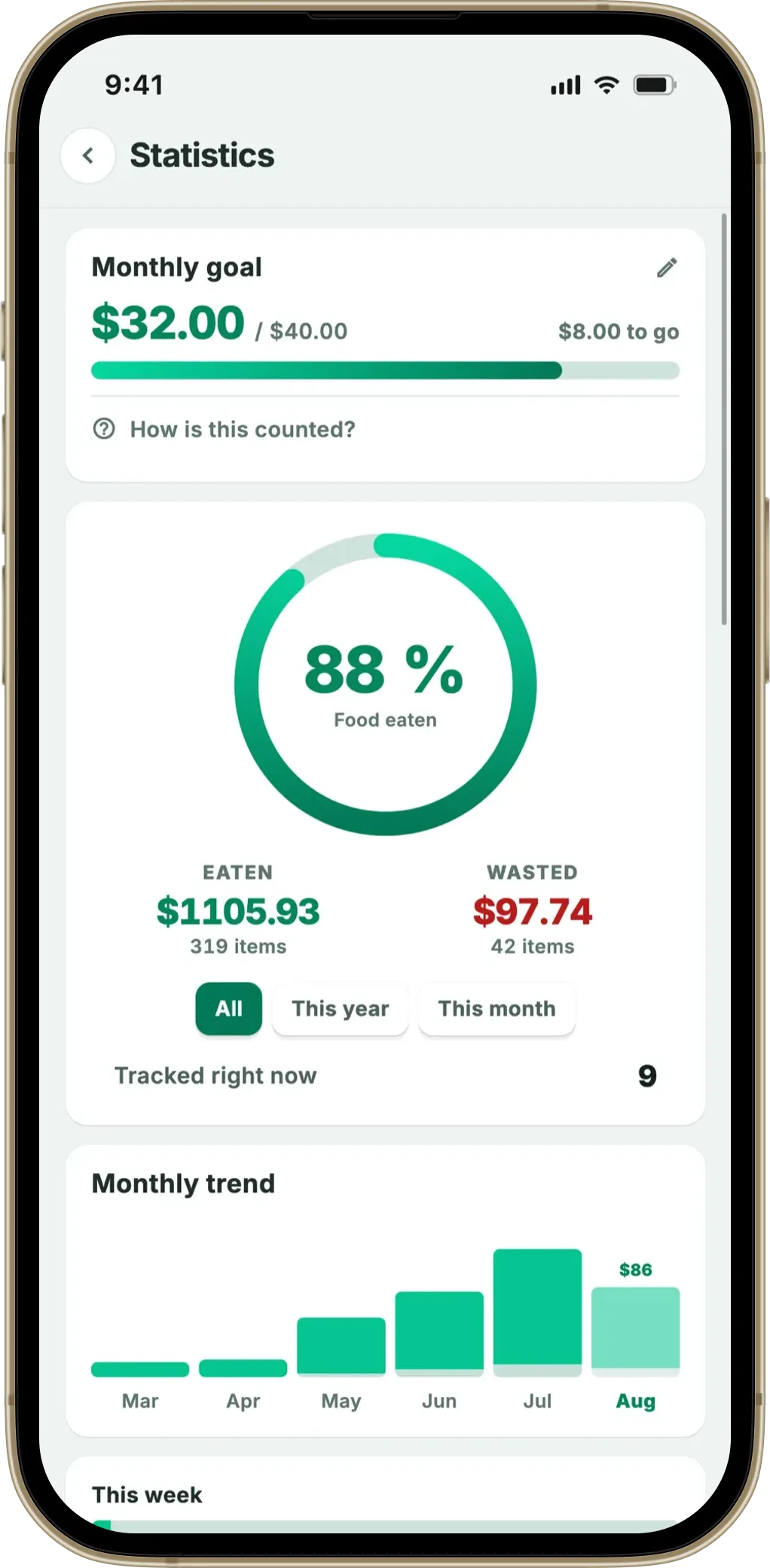
A budget target per list, an estimate that counts down as you shop, and prices remembered from your own receipts. Plus 13 supermarket aisles and a reminder in time.
Download on the App Store Get it on Google PlayFree for a month · No sign-up · iOS and Android
Below: which apps actually show a running grocery total in 2026, what each one charges for it, how accurate any of these numbers can be, and the paper method that works if you’d rather not install anything.
- AnyList has a total — behind the paid tier. Its help pages say Complete is required to add prices to items ($9.99–$14.99/year)
- Cozi, OurGroceries and Bring! don’t document a running total at all — the free ones mostly can’t add up
- Every total is an estimate. No consumer app has live shelf prices for your specific shop
- Fango includes a budget target that counts down as you tick items into the trolley — free for a month, then from $2.99/month
Who shows a grocery total, and what it costs
Straight to the answer. Everything here comes from the companies’ own documentation.
| App | Running total? | Budget target? | What it costs |
|---|---|---|---|
| AnyList | Yes — paid tier only | Yes, via the total | Free tier; Complete $9.99/yr individual, $14.99/yr household |
| Cozi | Not documented | No | Free with ads; Gold $39/yr |
| OurGroceries | Not documented | No | Free with ads; paid ad-removal upgrade |
| Bring! | Not documented | No | Free with ads; paid Premium |
| Notes / Keep / Reminders | No arithmetic at all | No | Free |
| Fango | Yes — included | Yes, per list | Free for a month, then from $2.99/mo or $22.99/yr |
← scroll →
The AnyList line is the one worth reading twice. AnyList is a very good app and its own feature comparison is generous with the free tier — lists, sharing, meal planning, a web app and up to five recipe imports all cost nothing. But its help pages state plainly that AnyList Complete is required to add prices to items, describing Complete as what “helps you stick to a budget by allowing you to enter prices for items and automatically calculating a running total”. Adding up is the upgrade.
Cozi’s paid tier is priced differently again: its plan comparison puts Gold at $39 a year, and what that buys for shoppers is an ad-free experience and Shopping Mode — a no-dim full-screen in-store view — rather than any arithmetic. OurGroceries’ FAQ covers barcodes, photos, sharing and its ad-supported model, with no mention of prices or totals.
Why “free grocery budget app” is a harder search than it looks
Three business models, and none of them gives away a running total for nothing:
- Free with ads. The list is free because a banner sits under it. These apps rarely build a budget feature, because a budget doesn’t sell impressions.
- Free tier plus upgrade. The list is free and the useful extras are the product. Prices and totals are exactly the kind of thing that lands on the paid side, as AnyList shows.
- Paid app. Everything is included because you’re the customer. Fango is in this group: free for a month, then from $2.99 a month or $22.99 a year, with the budget target part of the app rather than a separate tier.
If an app promises a full budget, no ads and no fee, ask what it’s monetising. Shopping data is valuable, which is exactly why list apps that need no account are worth knowing about — nothing can be sold if nothing leaves the phone.
How accurate can a shopping list total be?
Close enough to steer with, and never exact. No consumer app in this category has live shelf prices for the specific shop you’re standing in — prices vary by store, by week and by promotion. Every “total” in every app on this page is built from numbers you typed or numbers the app remembers from your past shopping.
That has two consequences worth understanding before you trust the number:
- It’s most accurate for staples. Milk, bread, coffee and the same brand of pasta you always buy will be within pennies, because the app has seen them before.
- It’s blank or wrong for anything new. The first time a product appears, there’s nothing to base an estimate on. A £14 joint of beef entered as nothing makes the whole total meaningless.
Used properly, that’s fine. The job of a shop total isn’t to predict the receipt — it’s to tell you, while you can still put something back, that you’re £20 over where you meant to be.
How Fango’s budget works
Worth spelling out, because it works differently from a manual price field.
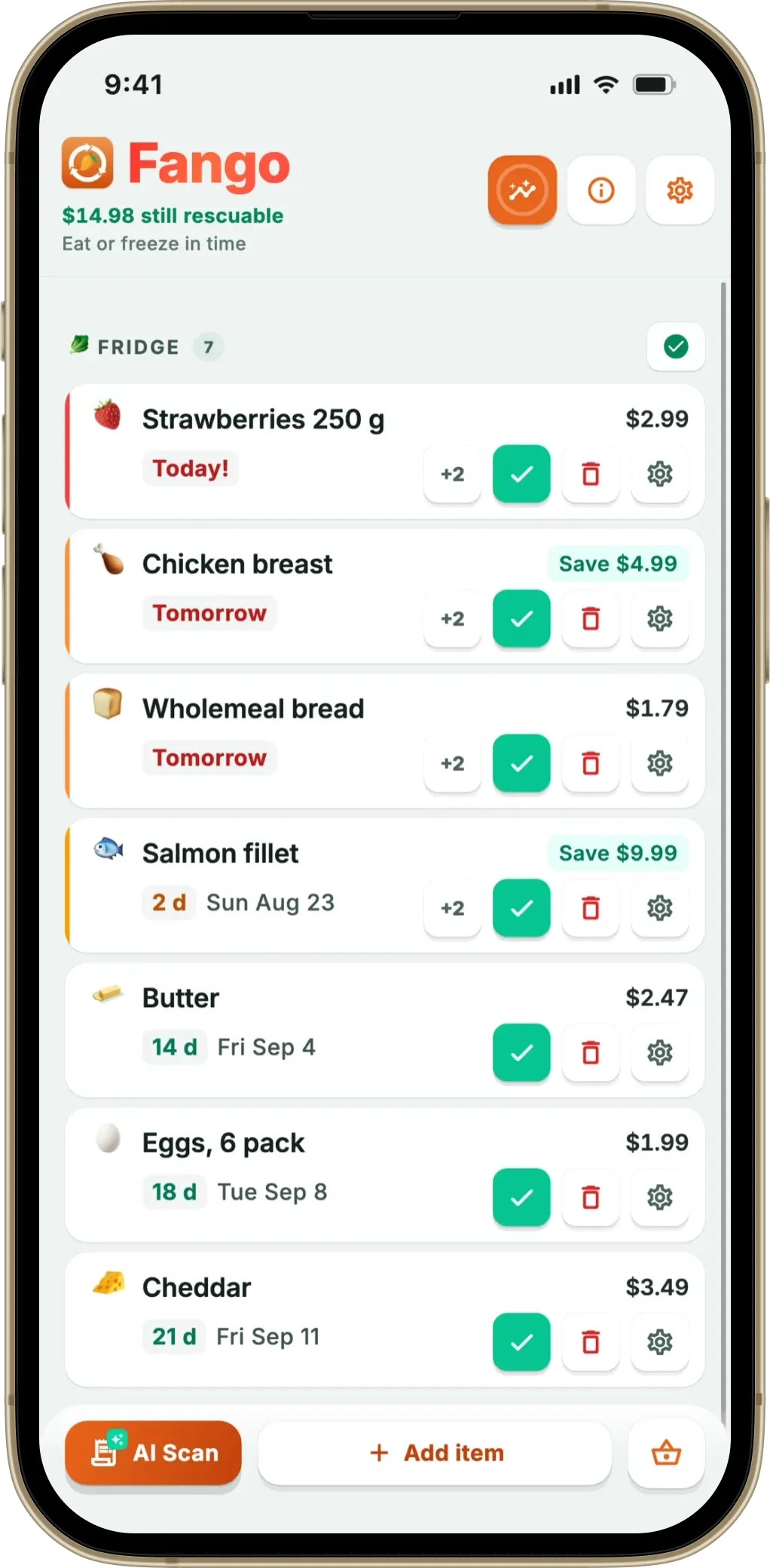
- Prices come from your own shopping. When you scan a receipt, Fango remembers what each product cost. Add “chicken breasts” to a list later and the estimate arrives with it — you don’t type prices at all for anything you’ve bought before.
- You set a target per list. A weekly shop can have a £70 target while the party list has its own. The pill at the top shows estimate against target, green while you’re under and red when you’re over.
- The estimate counts only what’s still unticked. So it falls as you put things in the trolley — the number in front of you is what’s left to buy, not what the whole list would have cost. That’s the version that changes behaviour in the aisle.
- You can edit any price. Anything new, or anything whose price has moved, takes a manual figure that then becomes the remembered one.
The limitation is the same as everyone’s: it’s an estimate from history, not a live price feed. Fango is honest about the “~” in front of the number for that reason.
The paper version, if you’d rather not install anything
This works, and it costs nothing. Four steps:
- Write the list, leave a margin. Two columns: item, price.
- Round every price up to the nearest 50p. Guessing high is the whole trick — the cushion absorbs the items you priced wrong, and being under budget at the end is a pleasant surprise rather than an unpleasant one.
- Add it up before you leave the house. If the total is already over, the edit happens at the kitchen table where it’s easy, not in the aisle where it isn’t.
- Subtract as you go. Cross off and take the running figure down. It’s the subtraction that keeps you honest, because a static number at the top stops meaning anything after ten minutes.
Step four is the tedious one, and it’s the reason people eventually want an app. Everything else about the paper method is fine.
The bigger number nobody budgets for
A budget controls what goes into the trolley. It does nothing about what comes back out of the fridge untouched, and that’s a large sum: WRAP puts UK household food waste at £1,000 a year for the average household of four, and UNEP’s Food Waste Index Report 2024 estimates around a fifth of the food available to consumers is thrown away.
Put those side by side and the arithmetic gets uncomfortable. Shaving 10% off a £100 weekly shop takes real effort in the aisle every single week. Not throwing away a fifth of what you already bought is the same money, and most of that fight happens at home rather than in the shop — see how to save money on groceries and what food waste actually costs. It’s why Fango’s budget sits inside a food waste app rather than a finance one, and why the same app that adds up your list also tells you the yoghurt in the fridge goes off on Thursday.
A budget target per list, an estimate that counts down as you shop, and prices remembered from your own receipts. Plus 13 supermarket aisles and a reminder in time.
Download on the App Store Get it on Google PlayFree for a month · No sign-up · iOS and Android
Which should you use?
Whichever you pick, the habit matters more than the tool: a number you look at before you get to the till is what changes the shop. If you’d like the list to be sorted sensibly while it adds up, our guide to a grocery list organised by aisle covers the ordering side, the roundup of the best shopping list apps by use case compares the whole field, and there is a narrower comparison of every grocery list app with prices if the running total is the only thing you are after.
Related reading: A Grocery Budget App That Fills Itself From Receipts.
Frequently asked questions
Which grocery list apps show a running total?
Far fewer than you would expect. AnyList does it, but its own help pages state that AnyList Complete is required to add prices to items, so the total is a paid feature at $9.99 a year for an individual or $14.99 for a household. Cozi, OurGroceries and Bring! do not document a running total at all, and neither notes apps nor Apple Reminders do arithmetic on a list. Fango includes a budget target and a running estimate in the app rather than in a higher tier.
Is there a genuinely free grocery budget app?
Not in the sense most people mean. Free list apps generally pay for themselves with advertising and leave the arithmetic out, and the apps that do add up either charge for that feature or charge for the app. The honest framing is which model you prefer: ads and no total, a small annual fee for the total, or a subscription app where the budget is included. Anyone promising a free running total with no ads and no fee is usually selling your shopping data instead.
How accurate can a grocery list total be?
Close enough to steer with, and never exact. No consumer app has live shelf prices for your specific shop, so every total is built from prices you have entered or that the app remembers from your past shopping. That works well for the staples you buy every week and not at all for something you have never bought. Treat the number as a guide that keeps you inside a budget, not as a prediction of the till receipt.
Do I need an app to keep a grocery budget?
No. The paper version works: write the list, write a rounded-up price beside each line, add it up before you leave, and take that number with you. Rounding up rather than down is the whole trick, because it builds in a cushion for the items whose prices you guessed wrong. An app helps mainly by remembering last month’s prices for you and by subtracting items as you tick them off, which is the part that gets tedious by hand.
